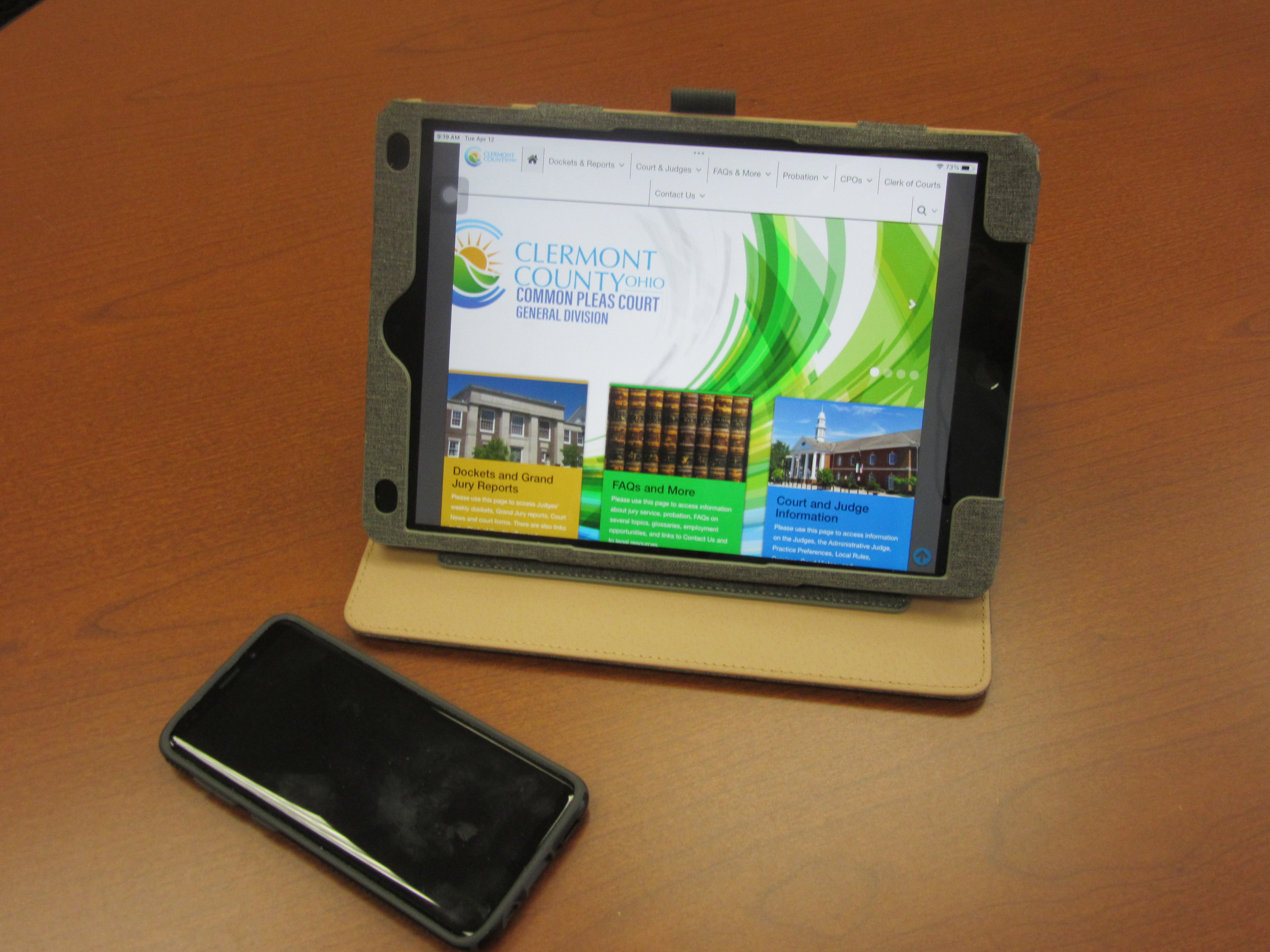
Yes. Laptops, smartphones, and tablets are permitted in the Courthouse for people who are waiting for trials or hearings. The Courthouse has free public Wi-Fi.
That depends. If you will be using a device to present something to the Court, you may use that device as appropriate under the Judge’s or Magistrate’s direction. However, when not in use the Court will require that you turn off smartphones and other devices in the courtroom to avoid disrupting the proceedings.
Each courtroom has HDMI and VGA cables, and an audio jack for connections. Each courtroom has free Wi-Fi. Every courtroom also has a device called ClickShare. This is a wireless presentation device it connects via USB port from the users computer to the courtroom’s wireless system.
Yes. However, an attorney or party is responsible for supplying any non-standard connection that the Court does not offer, such as FireWire, mini-USB, USB-C, or Lightning cable and/or adapter. You can use Wi-Fi instead of a cable connection.
No. The Court’s technology is platform neutral. You may use Windows, Mac, Linux, iOS, or Android systems. It is your responsibility to make sure whatever system and hardware you use works with the court connections.
Several hardware items. Each courtroom is equipped with a drop-down screen, a ceiling-mounted digital projector, an audio speaker system, an overhead document viewer known as an Elmo, and connection cables at each counsel table and the podium. Please call the courtroom staff in advance if you have specific questions about the hardware the Court supplies and its usage. The Court does not supply laptops or tablets.
To a degree. Court staff, such as a courtroom bailiff, can help you with the setup and connection of your device. It is your responsibility to make sure your system provides the desired output. Please remember, court staff cannot help you with the actual legal presentation. No member of the court staff can offer legal advice or assistance to any party or witness.
Yes. Documents stored on a computer or tablet could be used as exhibits and may be considered by a Court. However, the Ohio Rules of Evidence do apply. Exhibits will have to meet those legal requirements to be admitted. Just because something is stored on a computer or other device does not make it automatically admissible as evidence or an exhibit. The Judge or Magistrate may require paper copies of exhibits for use in court or by the Court of Appeals.
No. Legal papers for filing with the Clerk of Court can only be submitted in-person, by mail, or by fax. The Court and Clerk of Court do not currently have a process for filing papers by email, known as eFiling. Local Rule 17 on Fax Filing is HERE. The Clerk of Court’s Office FAQs on Fax Filing are HERE. The Clerk of Court’s fax number is 513-732-7050.
Yes. The Clerk of Court maintains online access to the docket (except civil protection order files) in pending cases. You can review the Common Pleas Court case docket remotely HERE.
Yes. The judges’ dockets/schedules are all online in the lower right hand corner of any Court web page including this one, or go to the tab “Dockets & Reports” and then the page “Dockets and Grand Jury Reports” through this LINK.
Yes. The twice-weekly grand jury reports are all online on the page “Docket and Grand Jury Reports” through this LINK. That page has the current report and reports for the past month.
Yes. The Court has numerous Frequently Asked Questions (FAQs) and other information about court operations on the page “FAQs and More” through this LINK. Other pages on this website have information about the Court in other formats.
In certain circumstances, yes. In the Judge’s discretion, status conferences, scheduling conferences, pre-trials, and other proceedings can be held by conference call or remote video. Please check with the Assigned Judge’s staff several days before the proceeding to get approval and instructions.
NO!
A trial is designed and structured to present the jury with all the evidence and law they need to make a fair and impartial decision. Use of outside information from a smartphone or tablet is strictly prohibited. The use of outside information might cause a mistrial and a later retrial of the same case at considerable taxpayer expense.
No. The only recording allowed in a courtroom is the authorized one created by the Official Court Reporter on the Court’s recording system. If you are caught recording, you will be ordered to stop.
All transcripts and audio recordings on CD are available through the Official Court Reporter. You can get information about transcripts or recordings HERE or call 513-732-7125.
The Law Library on the second floor across from Courtroom 204 has a copy machine. Usual charges may apply.
You can’t. Judicial ethics prohibit any kind of communications (email, mail, oral, etc.) with a Judge or Magistrate outside the presence of the other party. Any attempt to communicate by email or otherwise with a Judge or Magistrate will be rejected without reading.
Each courtroom has an amplification system that can be used for people with hearing limitations. Please alert the bailiff before any proceeding starts so staff can make the necessary arrangements.
Each courtroom has a video system for displaying exhibits and other documents. Please alert the bailiff before any proceeding starts so staff can make the necessary arrangements.
The Judge or Magistrate hearing the case. Ohio Supreme Court rules have certain standards for the use of technology in court. The ultimate authority for the use of technology-a phone, tablet, iPad, laptop, etc.-is the Judge or Magistrate in the courtroom. Please don’t assume that use of a particular technology is automatically acceptable just because you use it in your work, law firm, or home.